How to Create Beautiful Code Screenshots
A practical workflow for turning readable code into polished screenshots people can understand and share.
Start with the code, not the decoration
A strong code screenshot begins with a small, complete idea. Remove unrelated imports, setup, and comments so the reader can understand the point without scrolling through context they do not need.
Keep line lengths short enough to fit comfortably in the card. If a line needs horizontal scrolling, split it naturally or choose a wider layout before reducing the font to an unreadable size.
Choose contrast that survives sharing
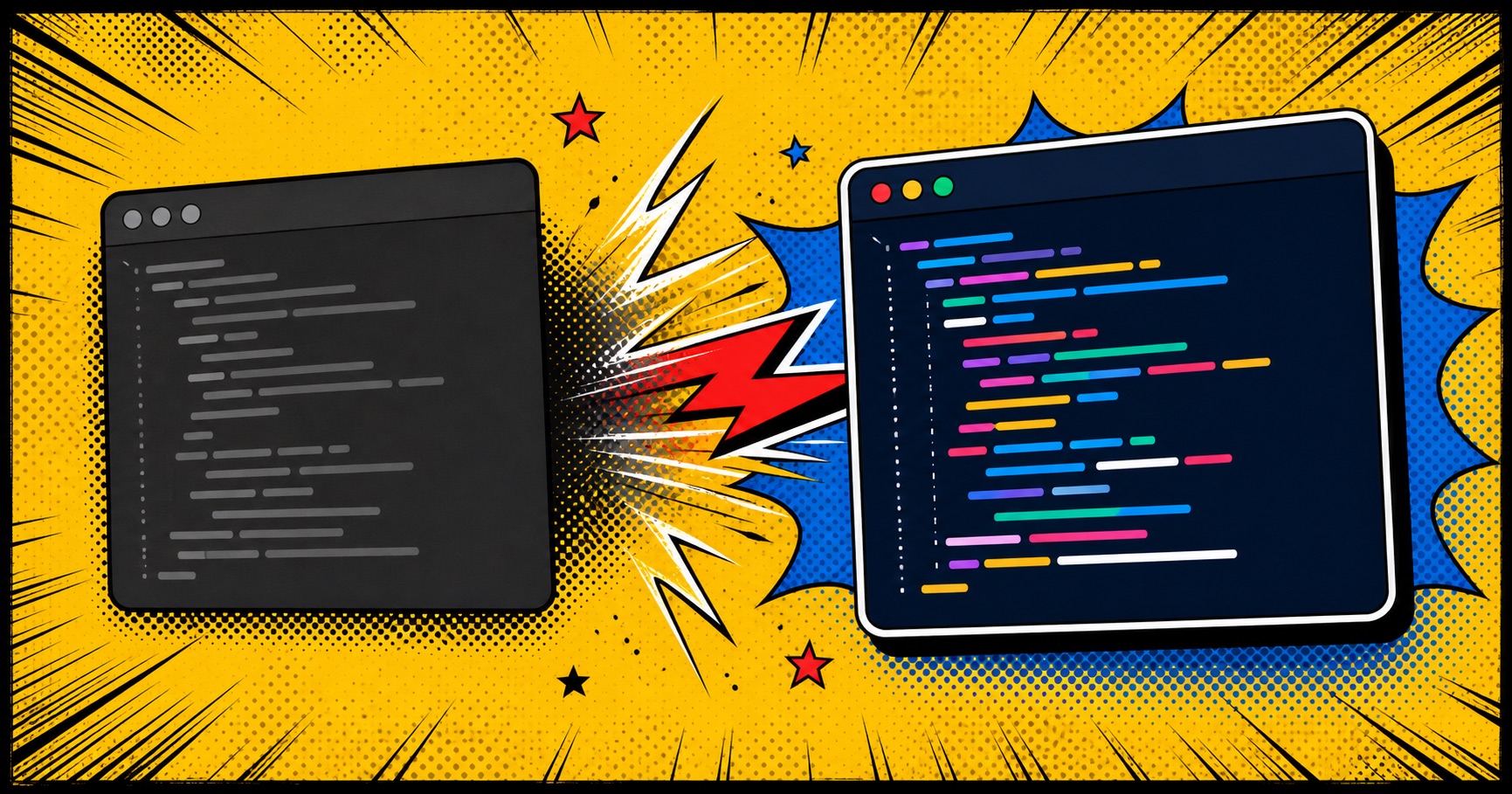
Pick a background and syntax theme with clear contrast between text, comments, strings, and keywords. A theme that looks subtle on a large monitor can become muddy after a social platform compresses the image.
Use one visual accent and let the code stay dominant. Borders, shadows, and backgrounds should frame the snippet, not compete with it.
Export and check the final size
Export at a high enough resolution for crisp text, then inspect the actual file rather than trusting the editor preview. Check the first and last lines, punctuation, and highlighted language.
With CodeSnap, choose a template, paste the focused snippet, preview it, and download the PNG. The simplest workflow is usually the one you will use consistently.